1. Create xAI key
Open xAI Console in a new tab, then generate your API key in the API Keys section.
https://console.x.ai/ ->
->
Grok Opencode
Follow the exact migration path, copy each command in one click, and start coding with Grok on OpenCode faster.
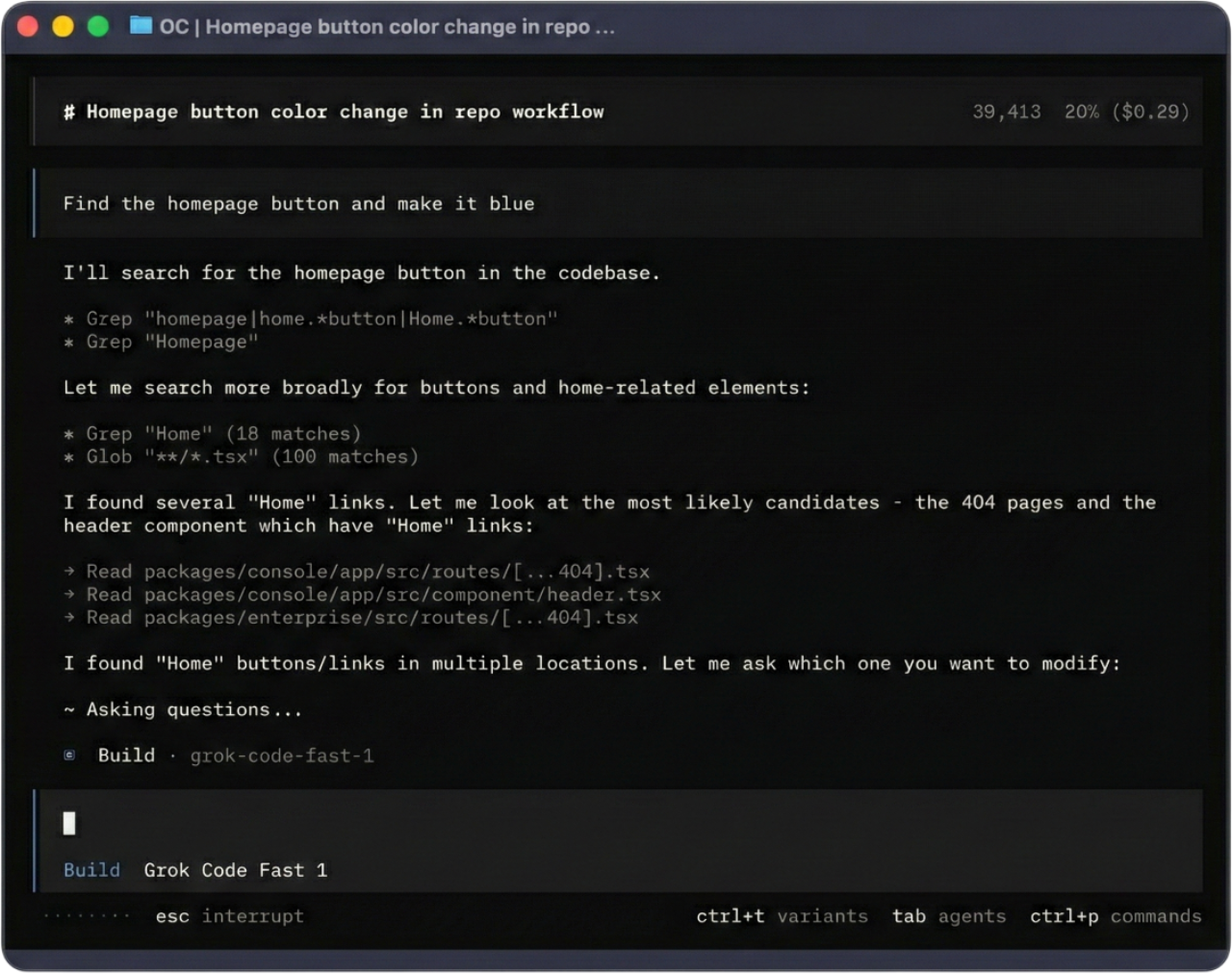
Open xAI Console in a new tab, then generate your API key in the API Keys section.
https://console.x.ai/Optional: uninstall Claude Code first. Then install OpenCode.
npm uninstall -g @anthropic-ai/claude-codebrew uninstall claude-codecurl -fsSL https://opencode.ai/install | bashbrew install anomalyco/tap/opencodeStart OpenCode, connect xAI with your API key, then pick a Grok model.
opencode/connect
# search for xAI
# paste API key from https://console.x.ai//models